Home / IT Services
IT and security for your whole office.
Your outsourced IT department: one number to call, your systems secured, and a local team that knows your office.

Your office, running.
Most clients start with IT support and add what they need from the rest of this page.
IT Support (Managed IT)
Your outsourced IT department. One number to call. We fix computers, printers, email and internet, and keep everything updated.
Cheaper than hiring IT staff, with problems handled by one local team that knows your office.
Learn moreMicrosoft 365
We set up and run your business email and Office apps, including Word, Excel and Teams, on your own domain.
Professional email at your own name, not Gmail. We handle licenses, setup and security.
Learn moreOne Login for Everything
Every employee gets one username and password that controls access to computers, files and apps, using Active Directory.
Adding a new hire is easy, a departing employee is shut off in one click, and strong passwords are enforced.
Learn moreLaptop and Phone Management
We control company laptops and phones remotely: settings, updates and remote wipe.
If a device is lost or stolen, we erase it so client data stays safe.
Learn moreBusiness Phones (VoIP)
An internet-based office phone system with an auto-attendant, voicemail to email and calls on your cell phone.
Never miss a patient or client call, and keep your phone number.
Learn moreComputers and Laptops
We pick, buy, set up and deliver new computers ready to work.
No guesswork, ready to work, and old drives securely wiped.
Learn moreWi-Fi, Cabling and Network Switches
Business-grade Wi-Fi, separate guest Wi-Fi and proper network wiring.
Fast, reliable internet in every room, and guests never touch office computers.
Learn moreOffice Moves and Build-outs
We plan and move all your IT equipment to a new office.
Your IT is planned from the start, not left until last.
Learn more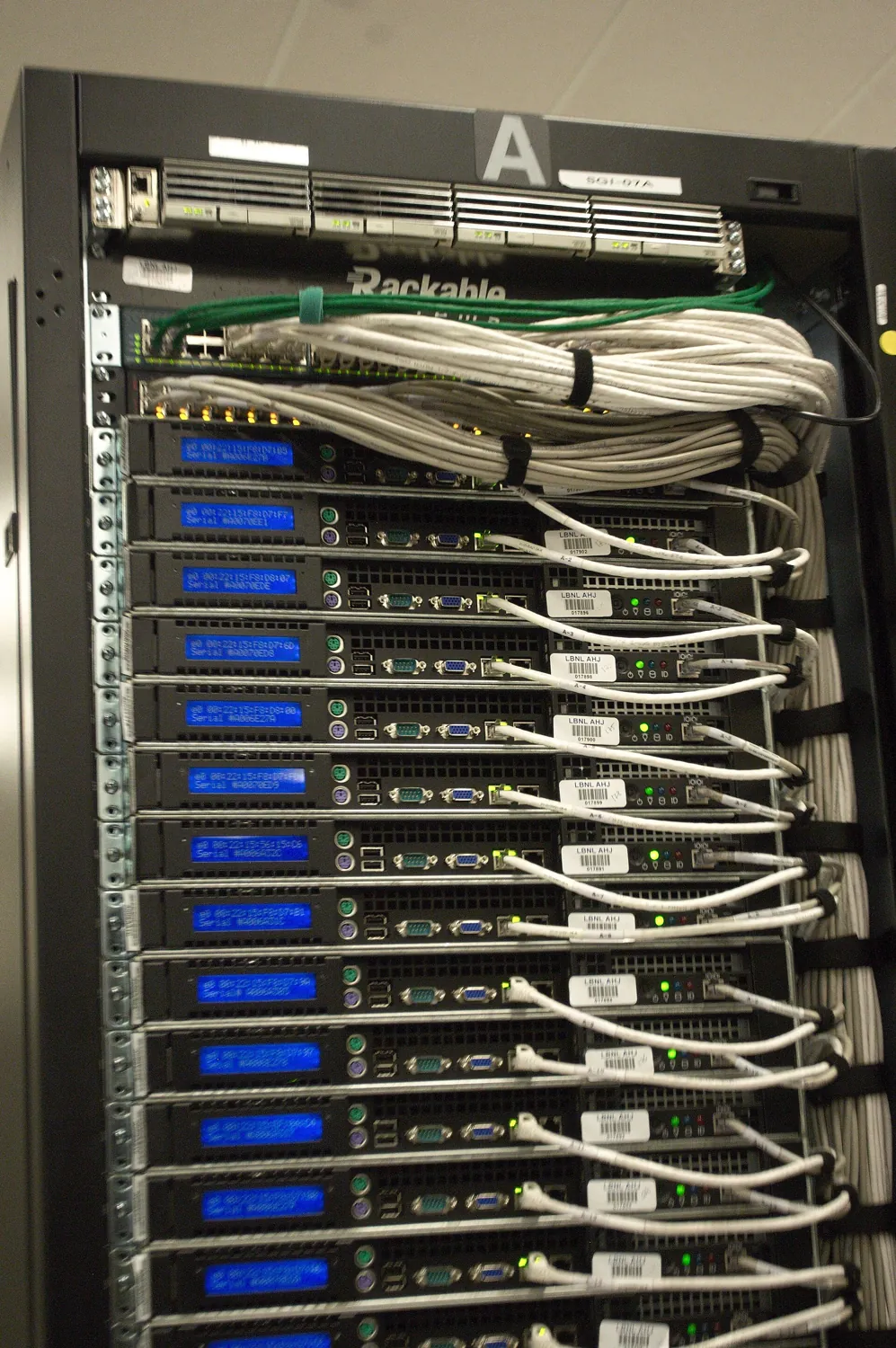
Your files, kept.
One place for everything your office produces, with a copy somewhere else.
Office Server (Hypervisor)
One small, powerful computer in your office that runs your main software, such as QuickBooks, Drake or Dentrix, and the file share.
Software runs faster, there is no cloud-server bill growing every year, and everything sits in one managed box.
Learn moreBackup
An automatic copy of every computer and server, kept in the office and offsite.
If a computer dies, gets stolen or gets ransomware, nothing is lost. Required for HIPAA and cyber insurance.
Learn morePrivate AI Assistant
An AI helper that answers questions about your own documents, running on your own server.
It saves staff hours, and client data never leaves the office, which matters for law and CPA firms.
Learn moreYour doors, guarded.
Protection at the edge of the network, on every computer, and in the heads of your staff.
Firewall
A security guard box between your office and the internet that blocks hackers and bad websites.
Stops attacks before they reach computers, is required by most cyber insurers, and lets us connect multiple locations.
Learn moreVPN (Virtual Private Network)
A secure, private tunnel from home or anywhere into the office network.
Work from home, court or a client site and open office files safely, as if sitting at your desk.
Learn moreAntivirus and Threat Protection (EDR)
Smart antivirus on every computer that spots and stops hackers and ransomware.
Ransomware is the number one way small offices get shut down, and cyber insurers require protection against it.
Learn moreEmail Protection
Filters fake and dangerous emails before staff click on them.
Most hacks start with one bad email. This also protects against wire-transfer fraud.
Learn morePassword Manager
A secure vault that stores and fills in all passwords for staff.
Ends sticky notes and shared passwords. Staff only need to remember one.
Learn moreSecurity Training
Short monthly videos plus fake test phishing emails that teach staff what to watch for.
Staff are the last line of defense. Required for HIPAA, WISP and cyber insurance.
Learn moreWeb Filtering
Blocks dangerous and unwanted websites on every office computer.
Stops staff from landing on scam or malware sites, and keeps guest Wi-Fi clean.
Learn moreSecurity Cameras
Cameras that record to a box in your office, viewable from your phone, across multiple locations.
Protects staff, cash and inventory. No per-camera cloud fees, and you own the footage.
Learn more
Your records, in order.
What regulators, insurers and larger clients will ask you to show.
Compliance Program (HIPAA, WISP, law firm)
We write your required security policies, do the yearly risk check and keep the records up to date.
Required by law for dental and medical offices (HIPAA) and tax and CPA offices (FTC Safeguards Rule, a written security plan). Avoids fines.
Learn moreSecurity Test (Penetration Test)
A yearly friendly-hacker test of your network, with a written report and fix list.
Cyber insurers and big clients often ask for it, and it shows you where you are weak.
Learn moreFree Security Health Check
A visit where we review your setup and hand you a scored report.
No cost and no obligation. It shows you your risks in plain English.
Learn more01Why should I go with you?
We set it up, secure it and answer the phone. You get a local team, not a call center.
02We already use Google Drive or Dropbox.
That works until someone leaves with the files or clicks a bad link. We put everything in one secure place you control, with backups.
03We're too small to get hacked.
Small offices are the main target because they have the least protection. One ransomware attack can shut an office down for days.
04It sounds expensive.
You're likely already paying for several tools that overlap. Our free health check shows what you can cut.
05Why do I need a VPN?
So you can work from home or anywhere and open office files safely, like you're sitting at your desk.
06Why a server in my office instead of the cloud?
Big files open instantly, you own your data, and storage doesn't add a new monthly bill every time you grow.
07Do I really need compliance?
If you handle patient records or tax returns, it's required by law. We write it, keep it current and help you prove it.
08My nephew does our IT.
Great for a quick fix. We give you 24/7 monitoring, security, backups and documentation, so nothing depends on one person.
09How do we start?
With the security health check, which is free. We start there and only quote what you need.
Start with a free security health check.
A visit where we review your setup and hand you a scored report. No cost and no obligation.
Picture credits
“Rear of rack at NERSC data center” by Derrick Coetzee, CC0. “Hands typing on a laptop during work hours in a modern office setting” by Shixart1985, CC BY 2.0. Via Wikimedia Commons, cropped.
